
Product · 2026
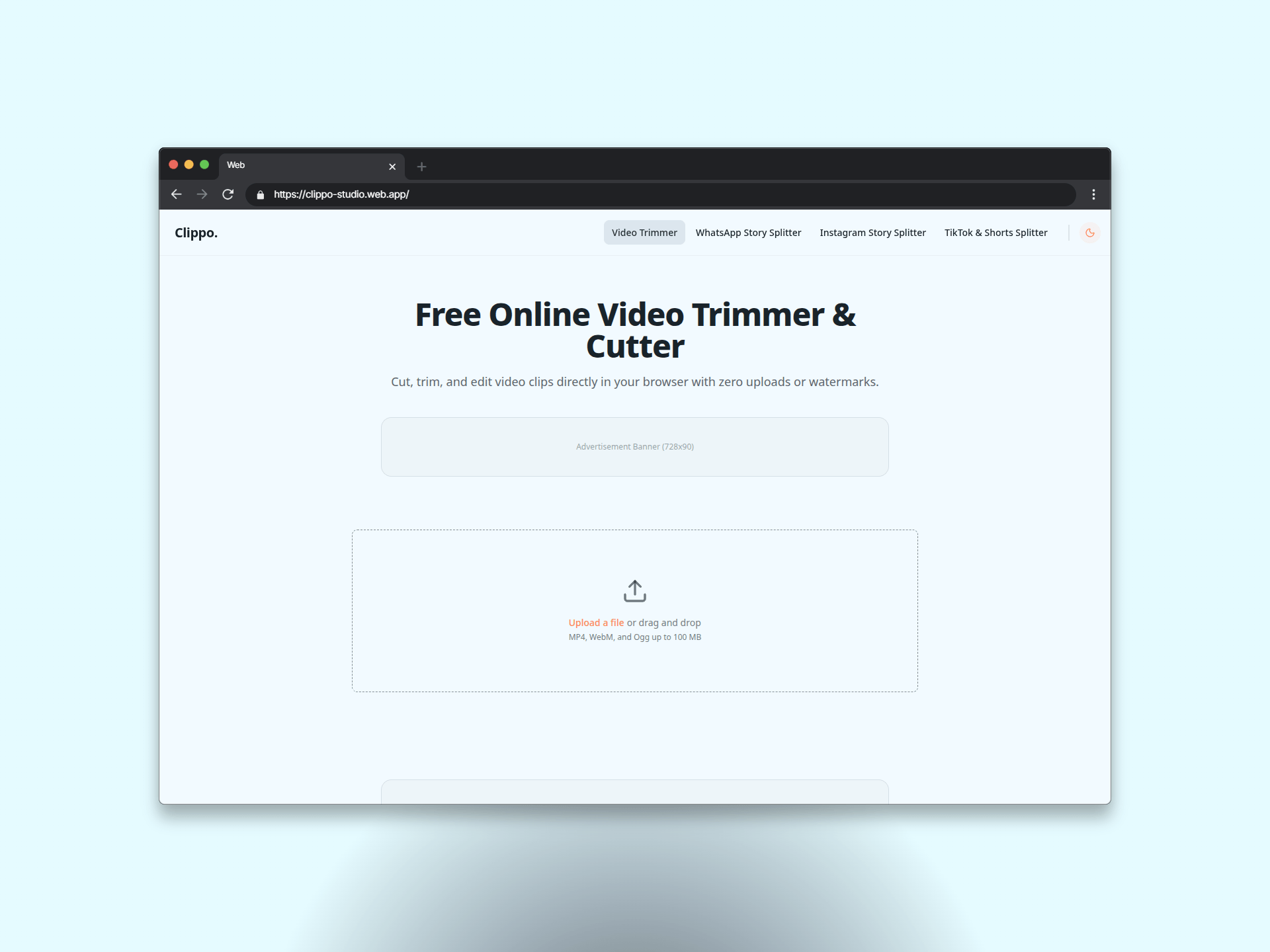
Clippo Studio video trimmer
A case study on engineering Clippo Studio, a client-side video trimming web application built with Astro, React, FFmpeg WebAssembly, and Web Workers.
The problem with platform video limits
Social platforms impose strict video duration limits, such as 30-second and 60-second bounds on WhatsApp Status, Instagram Reels, and TikTok. Splitting long videos manually requires desktop editing software or cloud-based conversion tools.
Cloud services introduce latency, consume upload bandwidth, and force users to submit private video files to third-party servers. The process required a local, browser-native utility capable of trimming and segmenting media instantly without server storage or privacy compromises.
What I built
As a frontend engineer and web developer, I engineered Clippo Studio as a single-page web utility that processes video files entirely on the user device.
I designed the architecture around browser-native media processing to eliminate backend compute overhead entirely.
- Client-side WebAssembly video engine. Integrated
@ffmpeg/ffmpegcompiled to WebAssembly, enabling native video trimming, re-encoding, and frame-accurate segment splitting directly in the browser environment. - Multithreaded background processing. Isolated heavy FFmpeg execution inside dedicated Web Workers to keep the React UI thread completely free of frame drops during render cycles.
- Client-side archive generation. Embedded
JSZipto bundle multi-segment output files into a single structured archive on the client side, allowing batch downloads in one click. - Islands architecture frontend. Built the UI using Astro, React, DaisyUI, and Tailwind CSS, leveraging interactive timeline sliders for custom time ranges alongside preset interval controls.
What shipped and impact
Clippo Studio reduced video preparation time from a multi-step editing task to a workflow completed in under 1 minute.
Processing media locally guarantees absolute data privacy and eliminates server bandwidth expenses. The application handles large video uploads and exports with zero cloud infrastructure dependencies.
Splitting long media for messaging apps used to require bloated software or slow cloud uploads. Running WebAssembly video conversion locally eliminated backend overhead while giving users full privacy.
What I would do differently
The current user interface limits automated splits to fixed 30-second and 60-second presets. Adding a custom numerical input field will allow users to define arbitrary clip durations for non-standard platform limits.
Future iterations will also incorporate a media ingestion service. Fetching public video streams directly via URL will eliminate the manual requirement to download source files to local disk prior to processing.